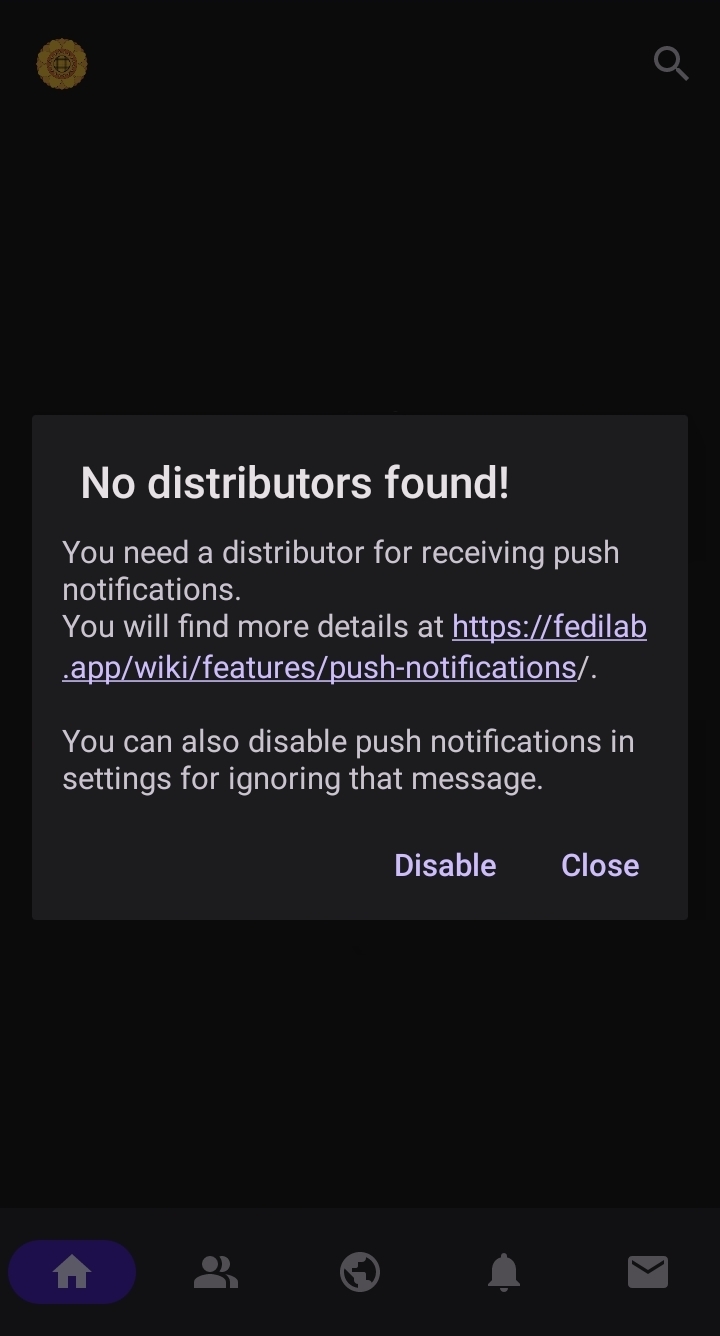
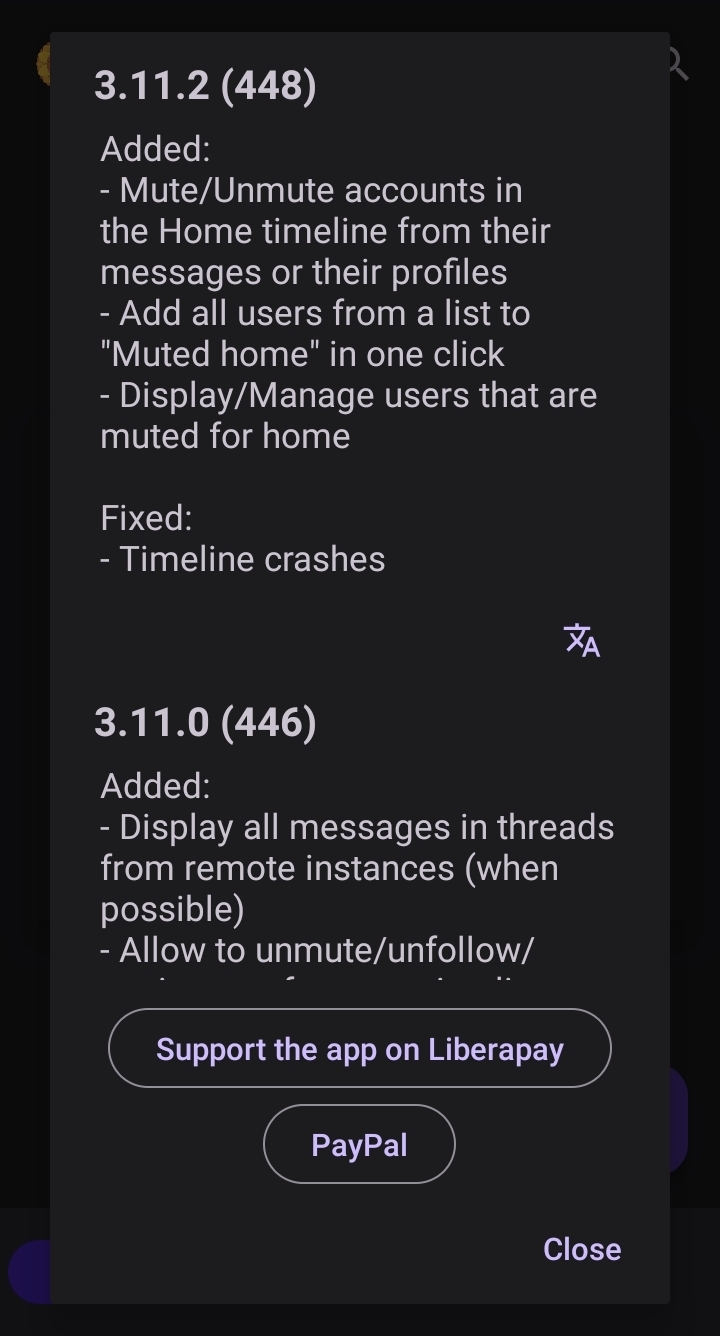
After you finish the login procedure, you might see these two messages.
No DistributorA message explaining why push notifications will not workThis message is about ‘push notifications’. For now, we will skip this, if you want to read about it right now, go to ‘Notifications’ section. Press ‘Disable’ to continue for now.
ChangelogA message showing the changelog of FedilabThis is the changelog of Fedilab. This appears only at the first start or after an update. You can read it, if you’re interested. Press ‘Close’ to close it.
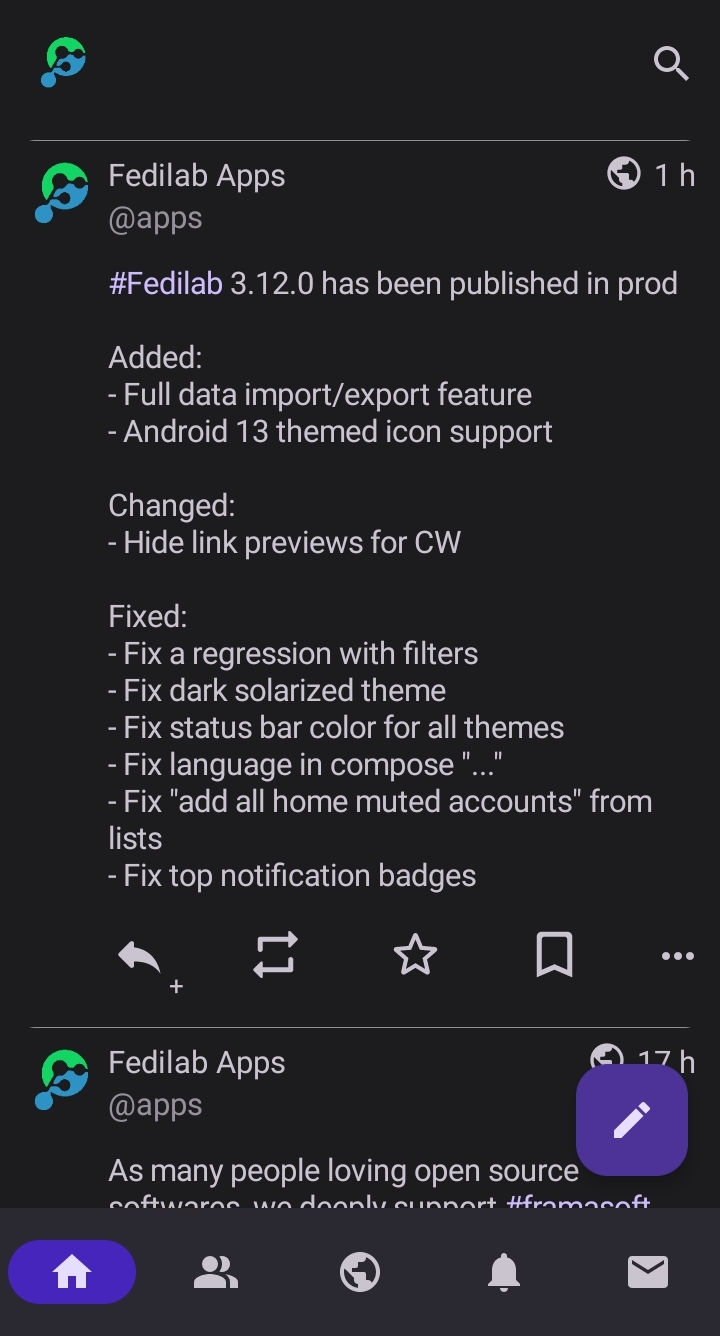
Now you’re inside Fedilab and should be able to see your home timeline. Welcome!
Default home screen
If you like to continue with this guide, proceed to read the ‘Basic UI’ section.